Frequently Asked Questions
General
What is the 4C:me Safe AI Platform?
The 4C:me Safe AI Platform (also known as "4C:me") is a secure, EU-hosted AI platform that provides tools for chat, transcription, analysis, and consulting workflows. It is built and maintained by H&Z Group.
Who can use the platform?
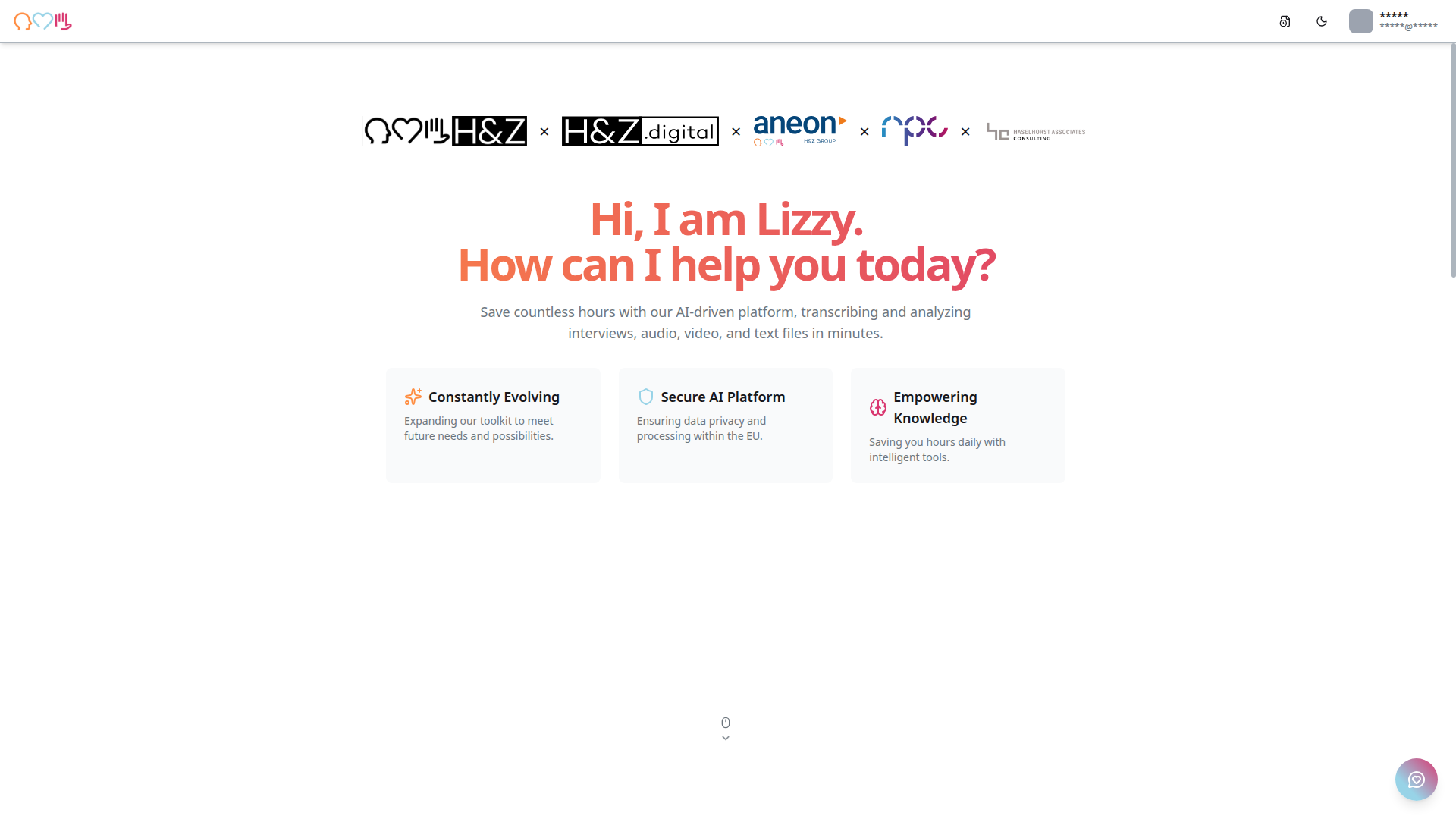
The platform is available to employees of H&Z Group and its subsidiaries (H&Z digital, aneon, npx, Haselhorst Associates Consulting), as well as authorized external partners.
Is my data secure?
Yes. All data is processed within the EU, ensuring GDPR compliance. The platform uses Microsoft Azure infrastructure with enterprise-grade security, including Azure Key Vault for secrets management.
Account & Access
How do I sign in?
Click "Log In" on the landing page, then "Sign in with Microsoft." Use your organization's Microsoft account credentials.
I see "You don't have access to this" when logging in. What should I do?
This means your account needs additional permissions. Contact your IT administrator to ensure:
- Your account is in the correct Azure AD group
- Admin consent has been granted for the platform's required permissions
Can I create an account with a personal email?
The platform supports email-based sign-up, but access to tools may be restricted to users with authorized organization email addresses.
4C:me
Which AI models are available?
The platform offers multiple AI models suited for different tasks, from general conversations to complex reasoning. Available models are regularly updated — check the model selector in the chat interface for the current list.
Can I use 4C:me without saving my conversation?
Yes, use the temporary chat feature. Temporary chats are not saved to your history and are discarded when you leave.
How do I export a conversation?
You can export conversations as PDF using the export option in the chat interface. You can also print messages directly.
Can I upload images to chat?
Yes. You can paste images from your clipboard (Ctrl+V / Cmd+V) or use the attachment button to upload images.
Transcription
What file types does transcription support?
4C:me Transcription supports common audio formats (MP3, WAV, M4A, etc.) and video file types.
Can I transcribe multiple files at once?
Yes, you can upload and process multiple files in a single batch.
How do I assign speaker names?
After transcription, open the transcript editor and assign names to the identified speakers.
Features
How do I switch to dark mode?
Click the theme toggle icon (moon/sun) in the top-right corner of the navigation bar.
What are agents?
Agents are preconfigured AI setups with custom system prompts, files, and permissions. They customize 4C:me's behavior for specific tasks or domains.
Can I create my own prompt templates?
Yes, the platform supports personal prompt templates that you can create, edit, and organize with categories.
What is Deep Research?
Deep Research is a structured workflow for complex research tasks. It uses an MCP tool behind the scenes to guide you step-by-step through a systematic research process.
What is MCP?
MCP (Model Context Protocol) is a standard for connecting AI models to external tools and data sources. The platform uses MCP to extend the AI's capabilities with real-time data and external tool access.
Additional Tools
What is n8n?
n8n is a workflow automation tool integrated into the platform. It lets you connect apps and automate tasks without writing code. Access requires the "N8N User" permission group.
Where can I find my projects?
Navigate to lizzy.hz.group/projects or click the folder icon in the sidebar. Projects are displayed in a searchable grid of cards.
Troubleshooting
The AI response stopped midway. What happened?
You may have clicked the Stop button, or there was a connection issue. Try resending your message.
My files aren't processing. What should I do?
Check that the file format is supported. If the issue persists, try uploading the file again. For continued issues, use the feedback widget to report the problem.
The platform looks different than described in the docs.
The platform is regularly updated with new features and UI improvements. Check the changelog (Updates icon in the top navigation) for the latest changes.